01
It sees everything.
CPU, memory, disk, network, containers, VMs, DNS queries, firewall rules, UPS status — streaming live via SSE. Not polled. Not cached. What's happening now.
NOBA is a command center for everything you run.
Proxmox, Docker, Pi-hole, UniFi — monitored, managed,
and self-healed from a single deployment.
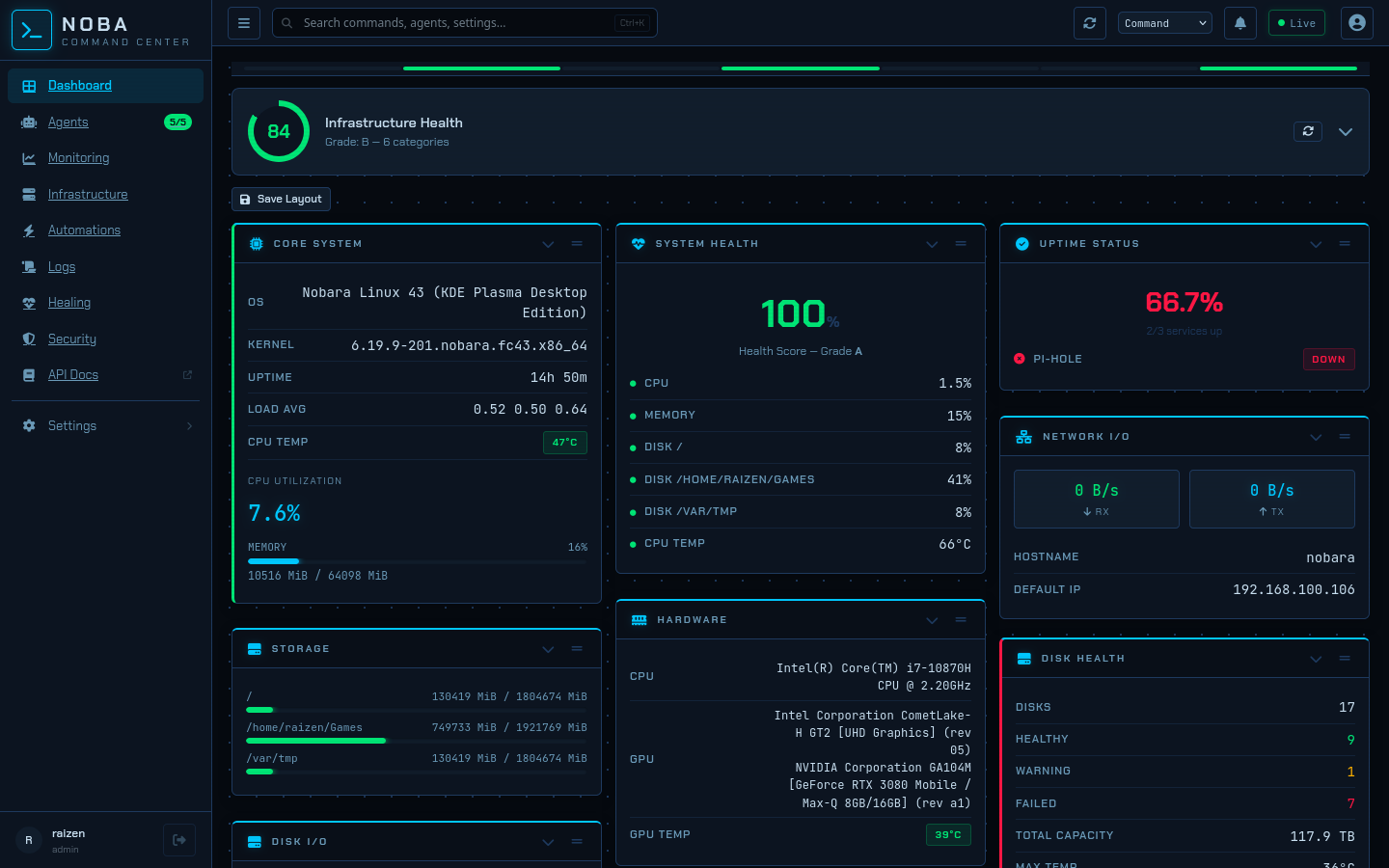
Real-time telemetry across every host, container, and service.
CPU, memory, disk, network, containers, VMs, DNS queries, firewall rules, UPS status — streaming live via SSE. Not polled. Not cached. What's happening now.
55 automated actions across 24 integration categories. Container crashed — restarted. DNS stale — flushed. Disk filling — cleaned. No runbooks, no pager, no 3 AM wake-up call.
Lightweight agents bridge remote locations over encrypted WebSocket. No VPNs. No port forwarding. One pane of glass for geographically distributed infrastructure.
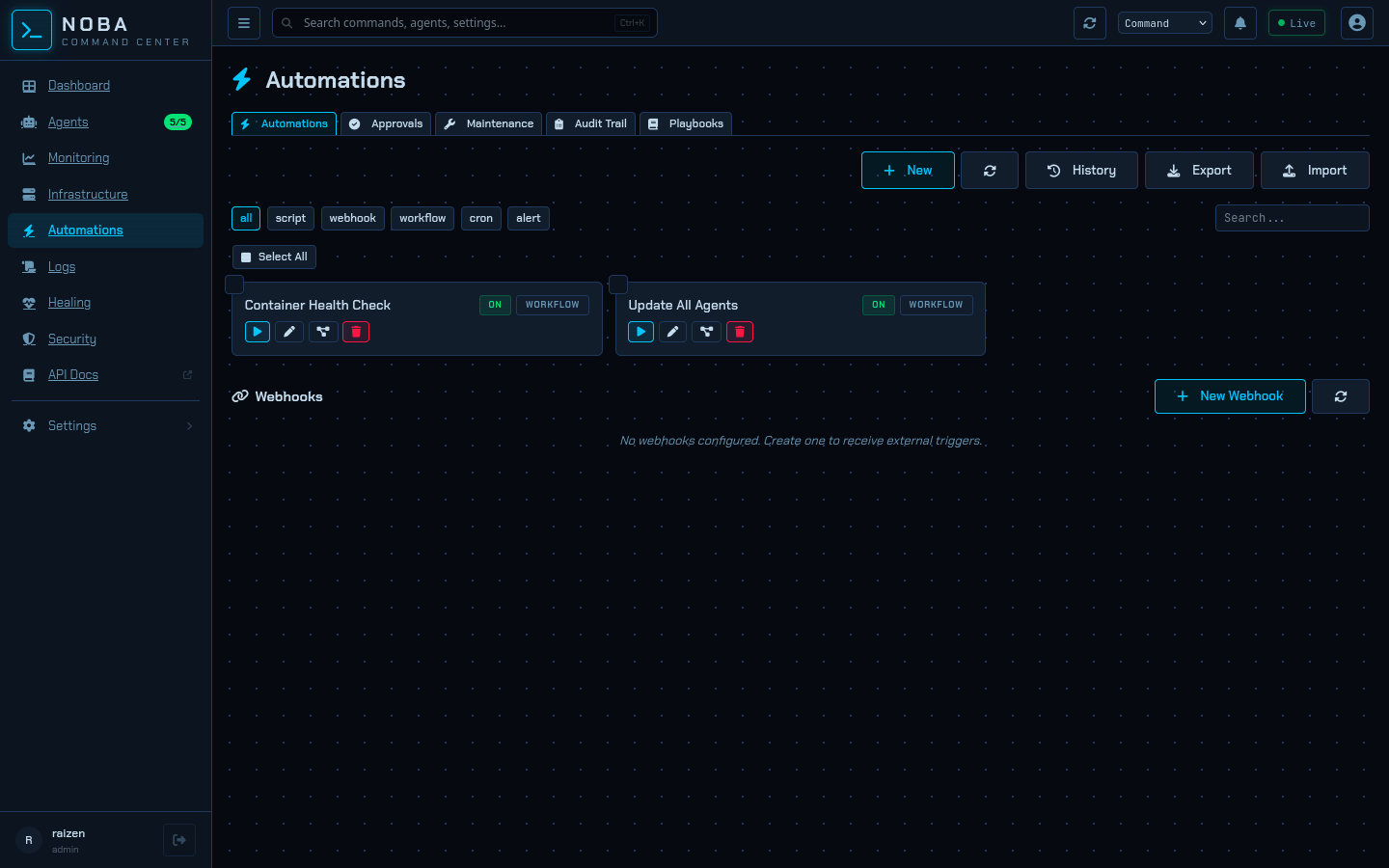
Automated recovery in action — resolved before you notice.
Passwordless FIDO2 login. No passwords to leak, phish, or rotate.
Viewer, Operator, Admin. Every action gated, every access logged.
Every login, every command, every healing action. Tamper-evident log.
Enterprise single sign-on. Integrate with your identity provider.
AES-256 at rest. Integration credentials never stored in plaintext.
Built against the NIS2 directive compliance checklist. Every item.
docker run -d --name noba -p 8080:8080 ghcr.io/raizendev/noba:latest
or curl -fsSL https://raw.githubusercontent.com/raizenica/noba/main/install.sh | bash
Open source. Free during beta. Deploy it, push it, tell us what breaks.